

Overview
A custom domain lets you share galleries at an address that belongs entirely to you — e.g.gallery.yourstudio.com or photos.yourstudio.com — instead of the yourstudio.pixdeliver.com subdomain.
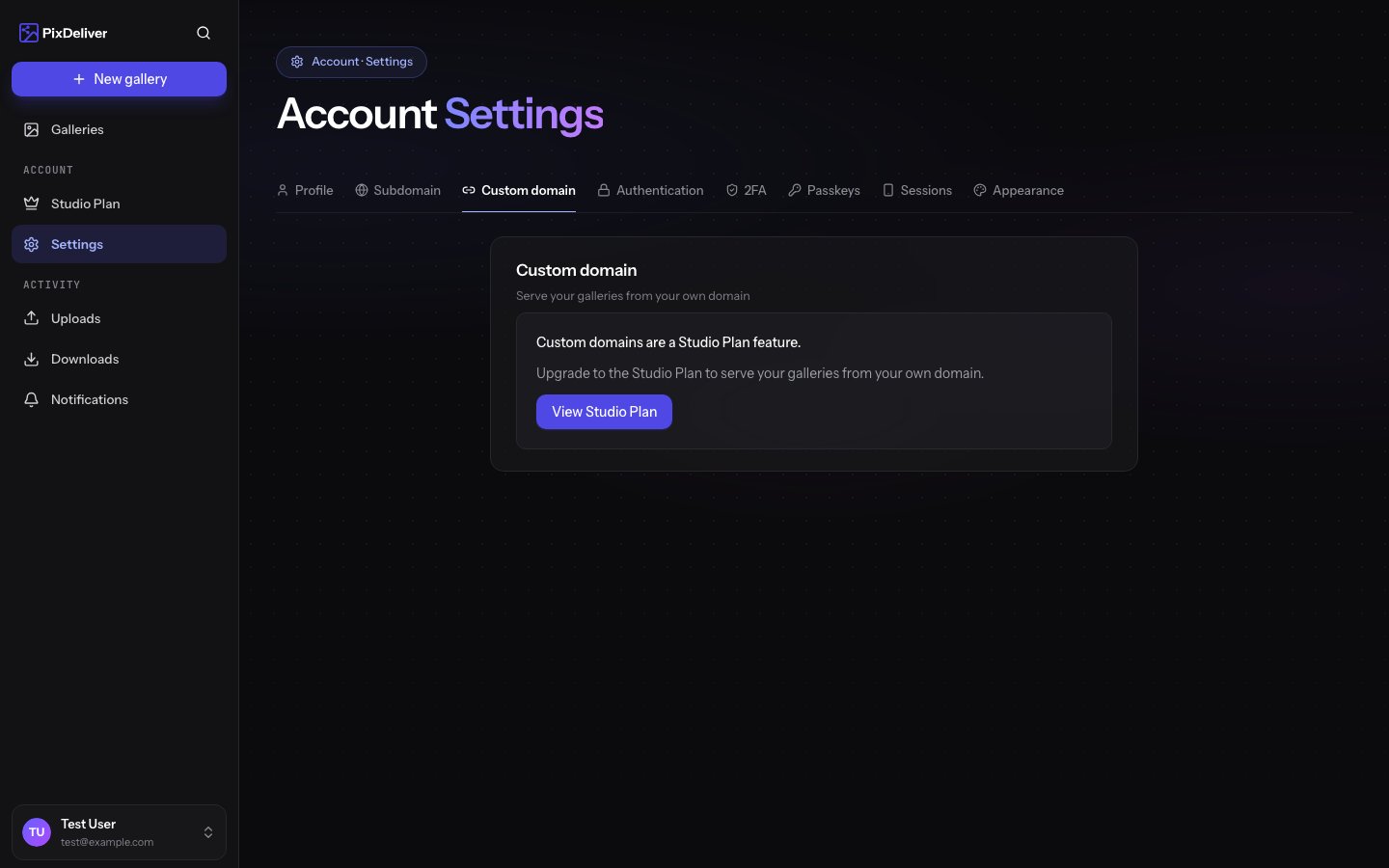
A custom domain is a Studio plan feature. Without an active Studio plan, you can still use the free subdomain.
- An active Studio plan
- A domain you have access to (a DNS management panel at your registrar or DNS provider)
How to connect a custom domain
Instructions:- Go to Settings → Custom domain
- In the Domain field, enter the address at which you want to share galleries (e.g.
photos.yourstudio.com) - Click Save — a DNS configuration section will appear with the records to add
- At your DNS provider, add the indicated records (see below)
- Wait for verification — the status will change automatically to Active
DNS records
Add the following at your DNS provider:- A CNAME record pointing your domain to
cname.pixdeliver.com - A TXT verification record shown in the panel (confirms that the domain belongs to you)
After you add the records, PixDeliver checks the status itself every few seconds. DNS propagation can take from a few minutes to a few hours.
Automatic DNS configuration (Domain Connect)
If your DNS provider supports Domain Connect, you do not have to add the records manually.- After entering the domain, you will see a green Configure DNS automatically section
- Click the button to sign in to your DNS provider (e.g. Cloudflare, GoDaddy)
- Sign in with the provider and confirm — the records will be added for you
- You will return to the settings, and the domain will move to verification
Domain statuses
Apex domains and Cloudflare
The subdomain still works
Adding a custom domain does not remove your subdomain.- The custom domain takes priority — galleries are served from the active custom domain
- The subdomain
yourstudio.pixdeliver.comremains available as a backup address
After the Studio plan expires, galleries return to the free subdomain. To use your custom domain again, renew the Studio plan and connect the domain in the settings.
Removing a custom domain
To stop using a custom domain, go to Settings → Custom domain, clear the field, and save. Galleries will return to the subdomain or the basic address.Troubleshooting
Problem: The status is stuck on “Pending”. Solution: Check that the CNAME record points exactly tocname.pixdeliver.com. DNS propagation can take a few hours.
Problem: “Error” status. Solution: The cause is most often a missing record, a typo, or (on Cloudflare) “proxied” mode. Fix the records and wait for re-verification.
Problem: I do not see the Custom domain tab. Solution: The feature requires an active Studio plan. See Plans and pricing.
Related topics
- Custom subdomain - A free
*.pixdeliver.comaddress for every account - Plans and pricing - The Studio plan and its features
- Account settings - Other profile settings