

Overview
The Dashboard is the central place in PixDeliver where you’ll see a summary of all your galleries, your statistics, and important notifications. It’s your command center for the platform.Dashboard elements
Statistics summary
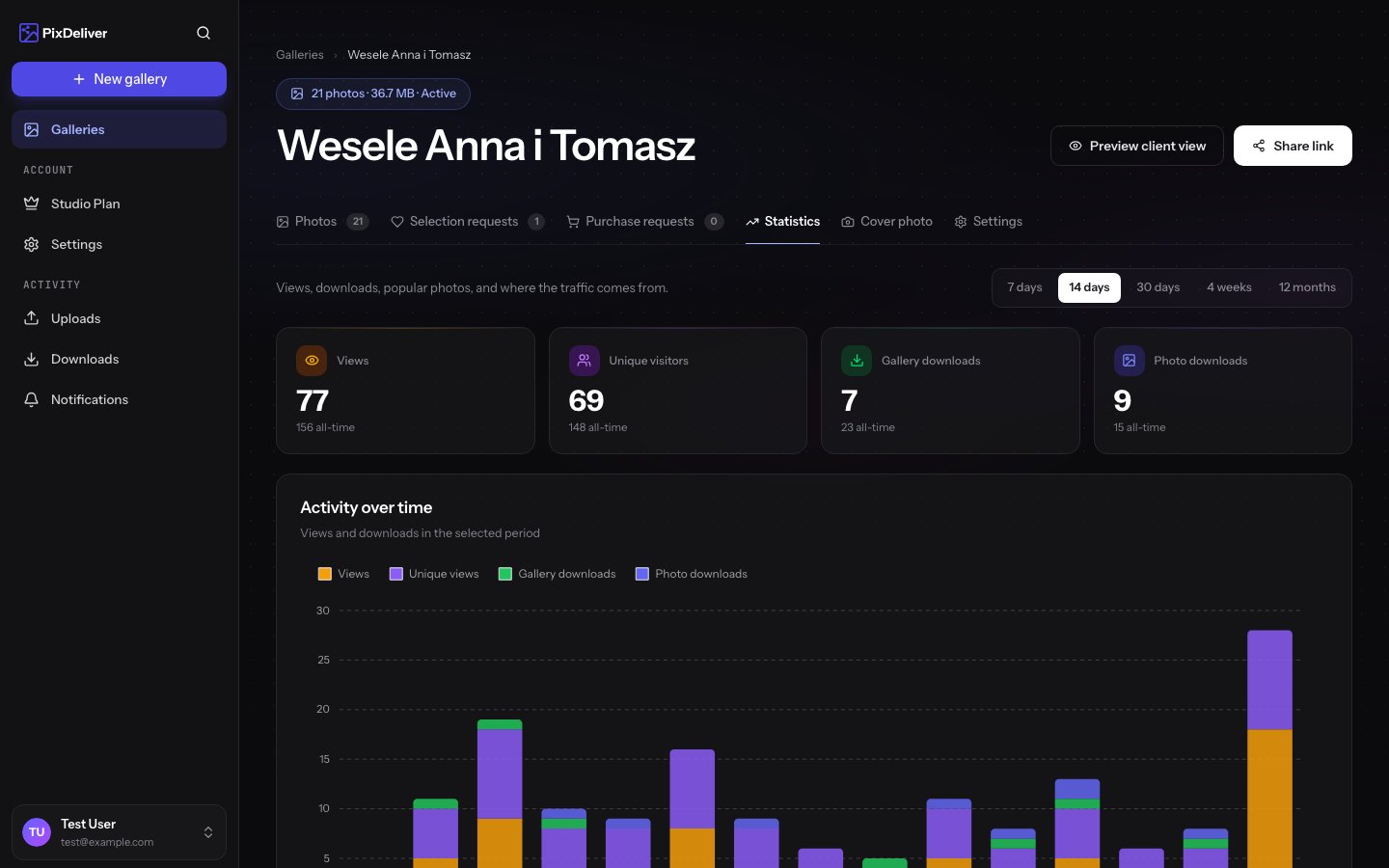
At the top of the Dashboard you’ll see: 📊 Overall statistics:- Number of galleries - how many galleries you’ve created (all statuses)
- Active galleries - how many galleries are currently paid and available
- Total number of photos - how many photos you’ve uploaded to the platform
- Storage used - how many GB you’re using (handy for planning)
- Views - how many times your galleries were opened
- Unique visitors - how many different people visited the galleries
- Downloads - how many times photos were downloaded
Gallery list
Gallery view
Each gallery in the list shows: Thumbnail:- The gallery’s cover photo
- Or a placeholder if no cover photo is set
- Gallery name
- Status: Unpaid / Active / Expired
- Number of photos - how many photos the gallery contains
- Size - how much storage it uses
- Creation date - when the gallery was created
- Expiration date (for active galleries)
- Open - go to the gallery
- Edit - open the settings
- Statistics - view the full statistics
- Copy link - copy the gallery link
Notifications and alerts
The Dashboard displays important notifications:🟠 Upcoming expirations
🔴 Expired galleries
⚙️ Failed conversions
📩 New selections
Filtering and sorting galleries
Filters
By status:- All
- Active
- Unpaid
- Expired
- Newest
- Oldest
- Expiring soonest
Search
Instructions:- Use the search field at the top of the list
- Type part of a gallery name
- The list filters automatically
- Type “wedding” → you’ll see all galleries with the word “wedding”
Quick stats in the list
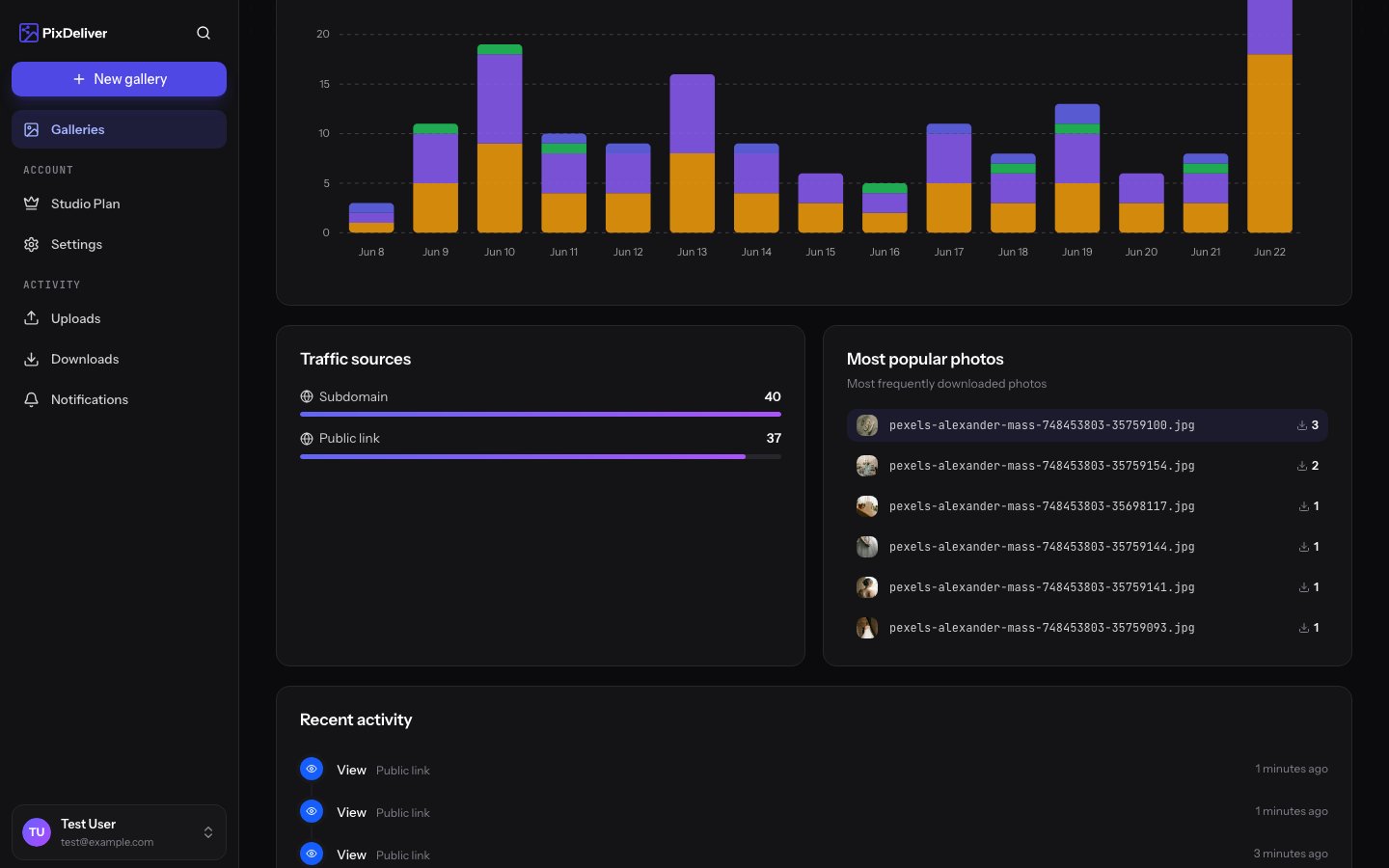
For each active gallery you’ll see icons with quick statistics: 👁️ 123 - views (last 14 days) 📥 45 - downloads (last 14 days) 📸 250 - number of photos 💾 4.2 GB - sizeDashboard tips
Related topics
- Gallery renewal - How to extend expiring galleries
- Managing submissions - Reviewing client selections